Crop an image drawn on a canvas
Image
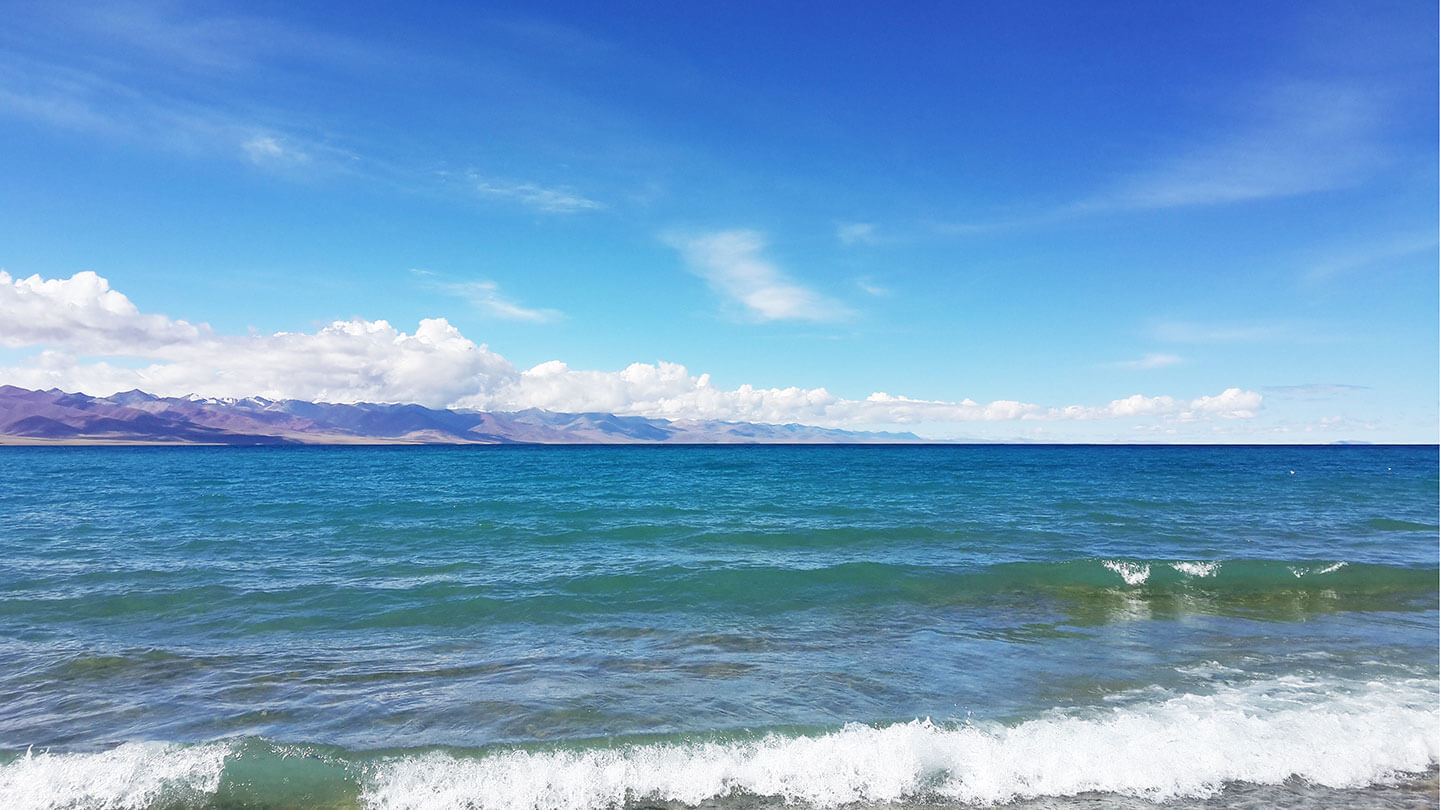
Canvas
Result
Source Code
<img id="image" src="/cropperjs/picture.jpg" alt="Picture">
<div id="canvas-container">
  <canvas id="canvas"></canvas>
</div>

<script src="https://unpkg.com/cropperjs@2/dist/cropper.js"></script>
<script>
  window.addEventListener('DOMContentLoaded', function () {
    const image = document.getElementById('image');
    const canvas = document.getElementById('canvas');

    function start() {
      const width = image.offsetWidth;
      const height = image.offsetHeight;

      canvas.width = width;
      canvas.height = height;
      canvas.getContext('2d').drawImage(image, 0, 0, width, height);

      const cropper = Cropper.createCropper(canvas);
      const button = document.getElementById('button');
      const result = document.getElementById('result');

      button.addEventListener('click', async function () {
        const selection = cropper.getCropperSelection();

        if (!selection) {
          return;
        }

        const croppedCanvas = await selection.$toCanvas();
        const croppedImage = document.createElement('img');

        croppedImage.src = croppedCanvas.toDataURL();
        result.replaceChildren(croppedImage);
      });
    }

    if (image.complete && image.naturalWidth) {
      start();
    } else {
      image.addEventListener('load', start, { once: true });
    }
  });
</script>